 EN
EN
Home Skincare
Ideal for daily facial care routines, providing easy-to-use beauty solutions at home.

2026/09/30
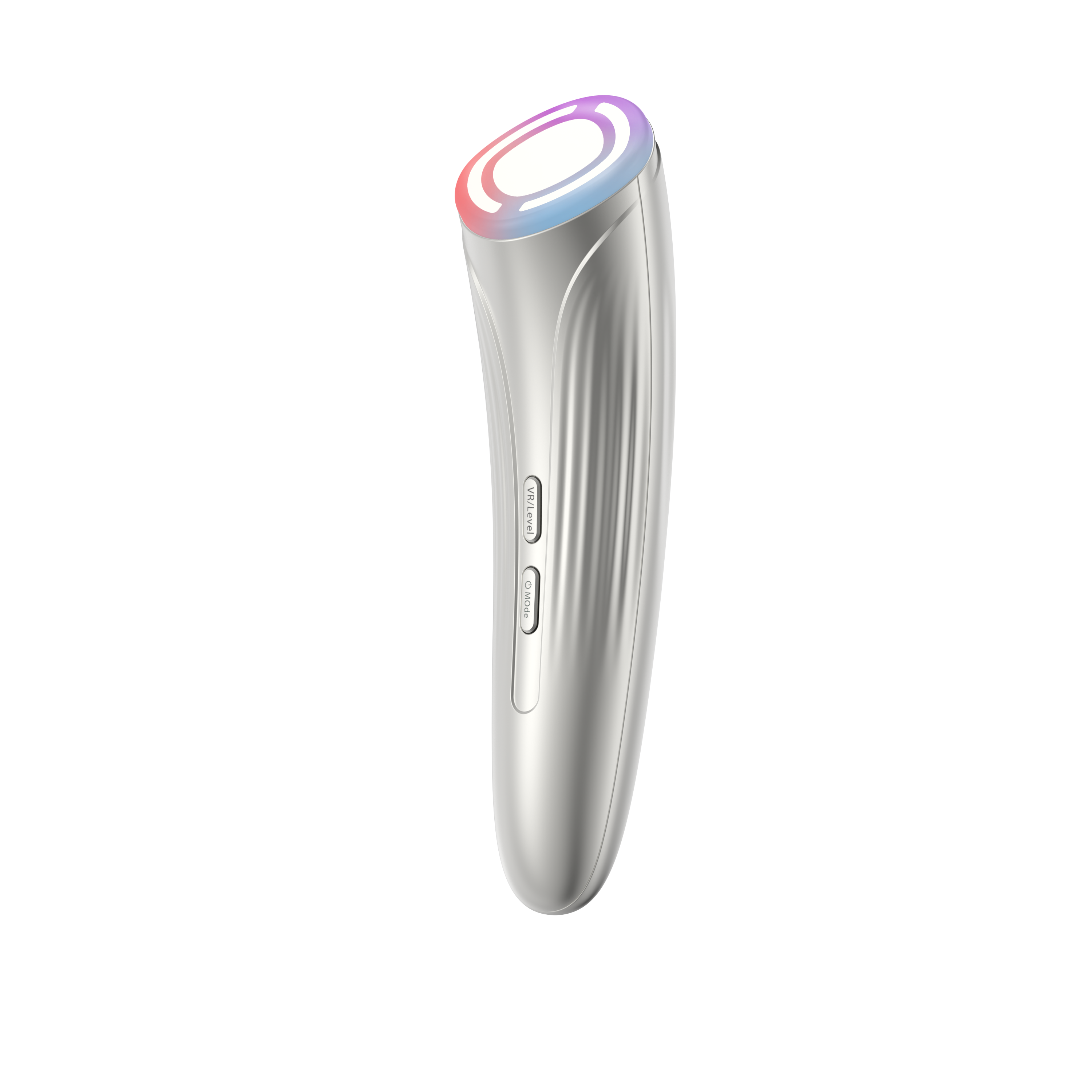
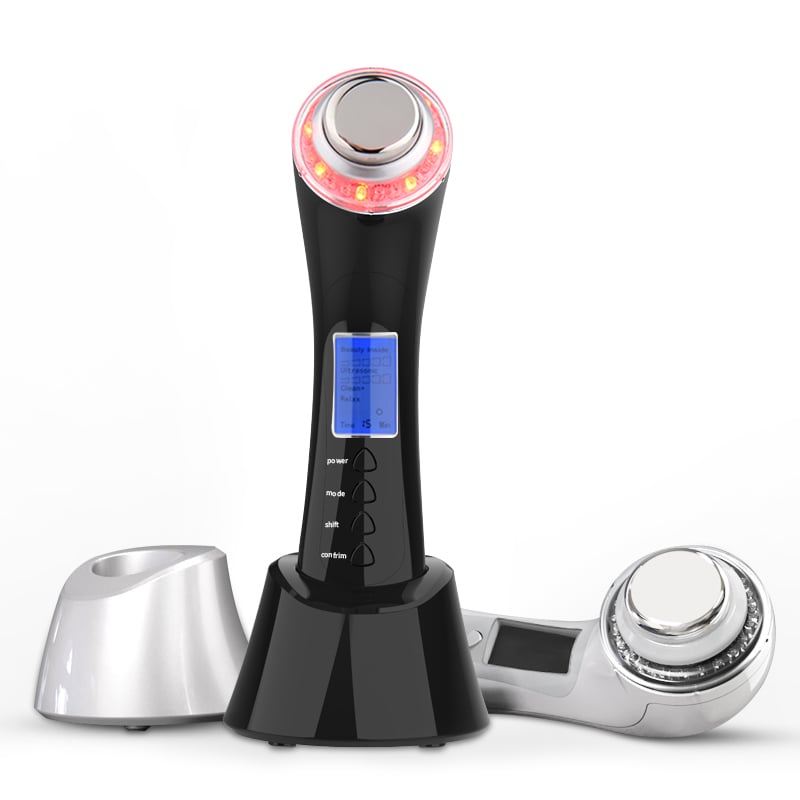
A handheld facial device is not a “more is better” tool. The useful setting is the lowest setting that fits the device technology, your current skin tolerance, and the concern you are addressing. As a practical rule, start with the manufacturer’s default or lowest intensity, use the recommended treatment time, and change only one variable at a time.
That distinction matters because “handheld facial device” can describe microcurrent, LED, warming, cooling, ultrasonic, or cleansing tools. Their modes are not interchangeable. A blue-light setting on an LED tool is different from a microcurrent intensity level, and neither should be treated as a diagnosis or a substitute for dermatology care.
Before matching settings to a concern, identify the technology and the controls your device actually has: mode, intensity, treatment time, frequency, and whether conductive gel or a specific serum is required. Use only a compatible, water-based conductive medium when the manual calls for one. On a new handheld facial device, patch-test or use a short first session on the lowest permitted setting.
Think of settings as a tolerance plan rather than a scorecard. If your skin feels hot, stings, stays red longer than expected, or becomes more sensitive afterward, return to a lower setting or stop and reassess.
For a microcurrent or gentle warming handheld facial device, use the lowest comfortable intensity first and move slowly along the face as the instructions show. Keep the session short and use conductive gel if required. Many people are tempted to turn up intensity for a stronger sensation, but a stronger sensation is not proof of a better contouring result. Use the manufacturer’s recommended frequency, then reduce it if the skin feels tender or dry.
For morning puffiness, a cooling mode may be more comfortable than a high-energy mode. Use light pressure, avoid lingering in one place, and keep expectations realistic: cooling can make skin feel refreshed, but it does not replace treatment for persistent swelling.
If your handheld facial device has an LED mode specifically designed for acne-prone skin, select only that documented mode and use the prescribed schedule. Do not add extra sessions because breakouts are active. Skip heated, abrasive, or strong cleansing attachments over inflamed lesions unless the device instructions explicitly permit them. Aggressive use can add irritation to an already stressed barrier.
Keep the device clean, avoid sharing it, and do not use it over open or infected-looking areas. Acne that is painful, widespread, scarring, or not improving deserves professional advice rather than escalating a home-device setting.
This is the concern that calls for the most restraint. If skin is flushing, peeling, burning, newly reactive, or recovering from a procedure, pause the handheld facial device unless a clinician or the product instructions say it is appropriate. When the skin has settled, restart with the least intense, shortest setting and fewer weekly sessions. Avoid combining a device session with strong exfoliants, retinoids, or other potentially irritating steps on the same routine unless your dermatologist has advised otherwise.
It may feel slower, but a low-frequency maintenance approach is usually more sustainable than repeatedly pushing a reactive skin barrier past its comfort limit.
For LED-capable devices, select the mode stated in the manual for the goal rather than choosing a color based on social-media advice. For massage, microcurrent, or warming functions, start low and focus on even, controlled passes rather than prolonged treatment of darker spots. A handheld facial device does not replace daily broad-spectrum sunscreen; protecting skin from further exposure is a core part of any uneven-tone routine.
Do not use a device to chase rapid pigment changes. New, changing, or irregular dark spots should be checked by a qualified clinician.
Choose gentler modes and prioritize slip. A cooling function may feel soothing, while microcurrent functions generally require the medium specified by the manufacturer. Avoid a long session on bare, dry skin and avoid repeated cleansing or exfoliation attachments if tightness is your main complaint. Afterward, use a simple moisturizer that your skin already tolerates.
| Concern | Starting approach | What to avoid |
|---|---|---|
| Fine lines or puffiness | Lowest comfortable intensity; short, guided passes; required conductive gel | Turning up intensity for a stronger sensation |
| Acne-prone skin | Only the device’s documented acne mode; follow the stated schedule | Extra sessions, heat, abrasion, or use over open lesions |
| Sensitivity or redness | Pause during a flare; restart low, short, and infrequently after skin settles | Stacking with strong active ingredients or using on irritated skin |
| Uneven tone | Use the manual’s designated mode and consistent sunscreen habits | Spot-treating for too long or expecting rapid pigment correction |
| Dryness | Gentle mode; compatible medium; moisturize afterward | Dry passes, extended heat, or repeated exfoliating attachments |
Before changing a setting, ask yourself: is the change supported by the device manual and my skin’s response, or am I just trying to make the session feel more powerful? The second reason is not a good reason to escalate.
Follow the device-specific contraindications. In general, stop and seek professional guidance if you have persistent irritation, a skin infection, unexplained swelling, a changing lesion, or a condition that makes the recommended technology unsuitable. People with implanted electronic medical devices, pregnancy-related restrictions, recent cosmetic procedures, or prescription skin treatments should check the manual and speak with an appropriate clinician before using electrical, light-based, heated, or ultrasonic facial tools.
A suitable handheld facial device setting is individualized but conservative: match the documented mode to the concern, start at the lowest comfortable intensity, respect the time limit, and progress only when skin stays calm. Consistent, well-tolerated use is more useful than high settings or frequent sessions that leave your skin irritated.
2026/10/30
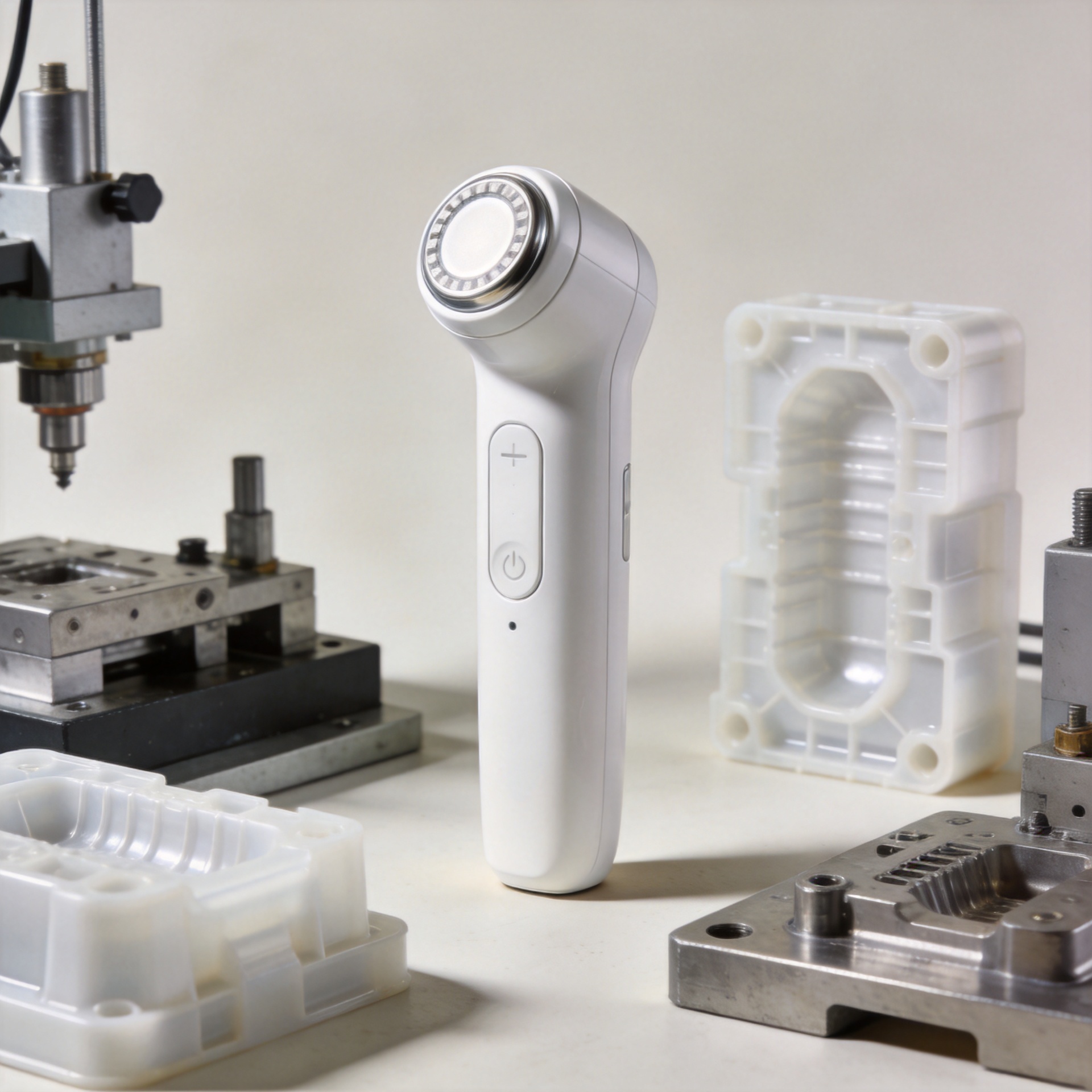
Discover why in-house mold development helps an RF beauty device manufacturer improve product consistency, iteration speed, tooling control, and production readiness.
2026/10/30
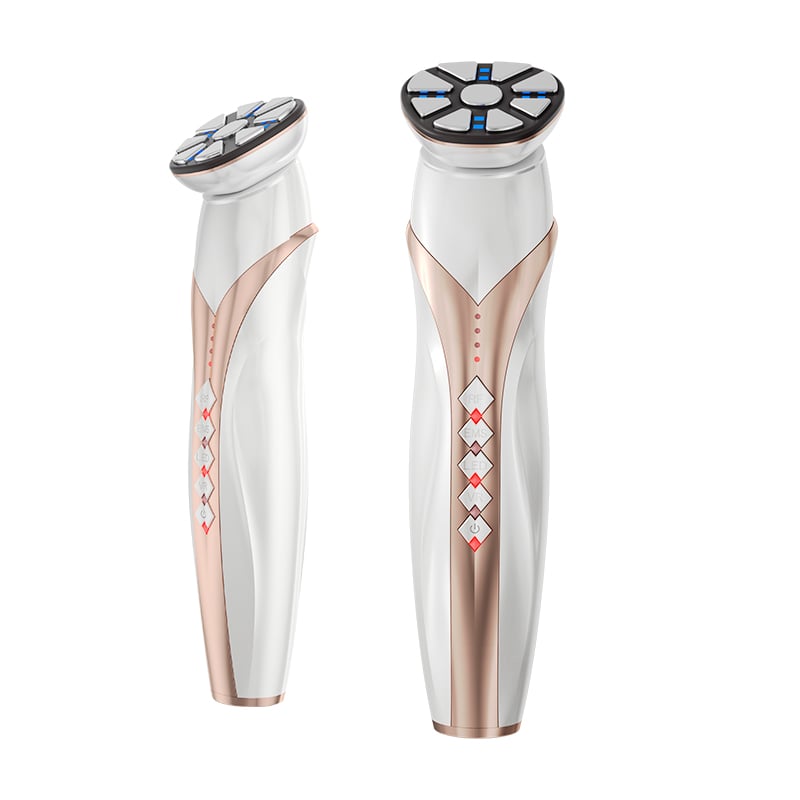
Learn how to verify an RF beauty device manufacturer's R&D and prototyping capabilities using practical engineering workflows and audit checklists.
2026/10/30
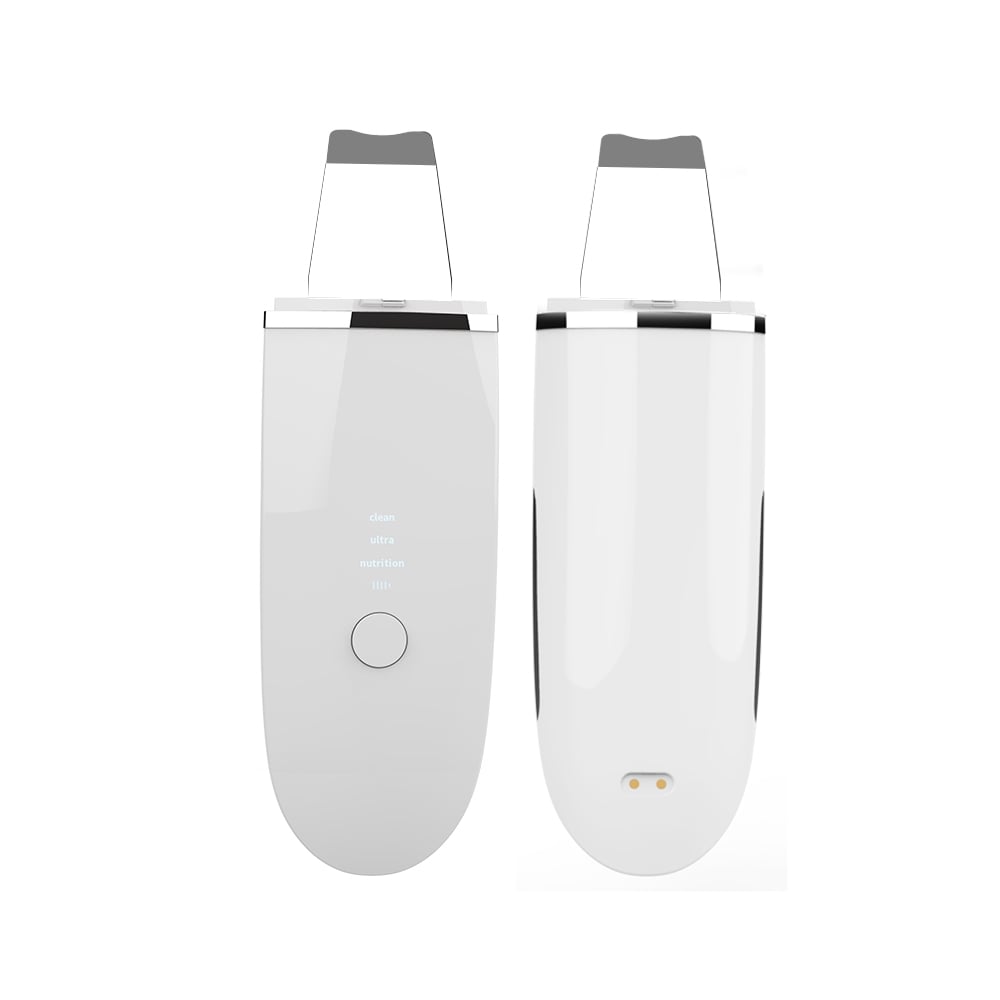
Learn what shapes MOQ when choosing an RF beauty device manufacturer and how to plan a lower-risk first order with balanced platform and customization.
2026/10/30
Use this RF beauty device manufacturer evaluation checklist to compare safety evidence, OEM and ODM capability, quality control, and launch readiness.
2026/10/30
See how technology makes beauty at home more guided, consistent, and informed—plus a practical checklist for choosing devices wisely.
2026/10/30
Explore how AI and smart devices shape the future of beauty with responsive routines, clear guidance, trustworthy design, and user-controlled care.

Ideal for daily facial care routines, providing easy-to-use beauty solutions at home.

Perfect for spas and salons’ frequent treatments, enhancing client experiences and results.

Supports dermatologists with advanced devices for professional skin therapy sessions.

Delivers innovative solutions for full-body massage and relaxation with home devices.

Features anti-aging technologies to help reduce wrinkles and stimulate skin vitality.

Specialized devices for safe and effective hair removal suitable for home or clinic use.

Our customers love the Perfect Idea beauty devices. Quality, packaging, and results are all outstanding. We saw increased repeat sales after adding their facial cleansers to our lineup. Their support team is responsive and reliable.

Perfect Idea brings innovation and reliability to home beauty appliances. Our collaboration introduced their massage tools to Japanese women, boosting customer satisfaction and growing our brand trust across the region.

We partnered with Shenzhen Perfect Idea Tech for their beauty equipment. The shipping was fast and every product matched our expectations. Their home-use massagers are especially popular with local salons and home users.

The stylish packaging and attractive design make Perfect Idea stand out. French consumers appreciate the easy instructions and visible results. Communication was efficient and orders always arrived on time.

Perfect Idea home use personal care devices have become a favorite with our clients. The beauty device line offers quality at a reasonable price, and technical training for our staff made onboarding easy.

We selected Perfect Idea for our beauty product portfolio and have seen very positive feedback from our customers. Products are easy to market online and the customer support is reliable and helpful.
