 EN
EN
Home Skincare
Ideal for daily facial care routines, providing easy-to-use beauty solutions at home.

2026/10/04
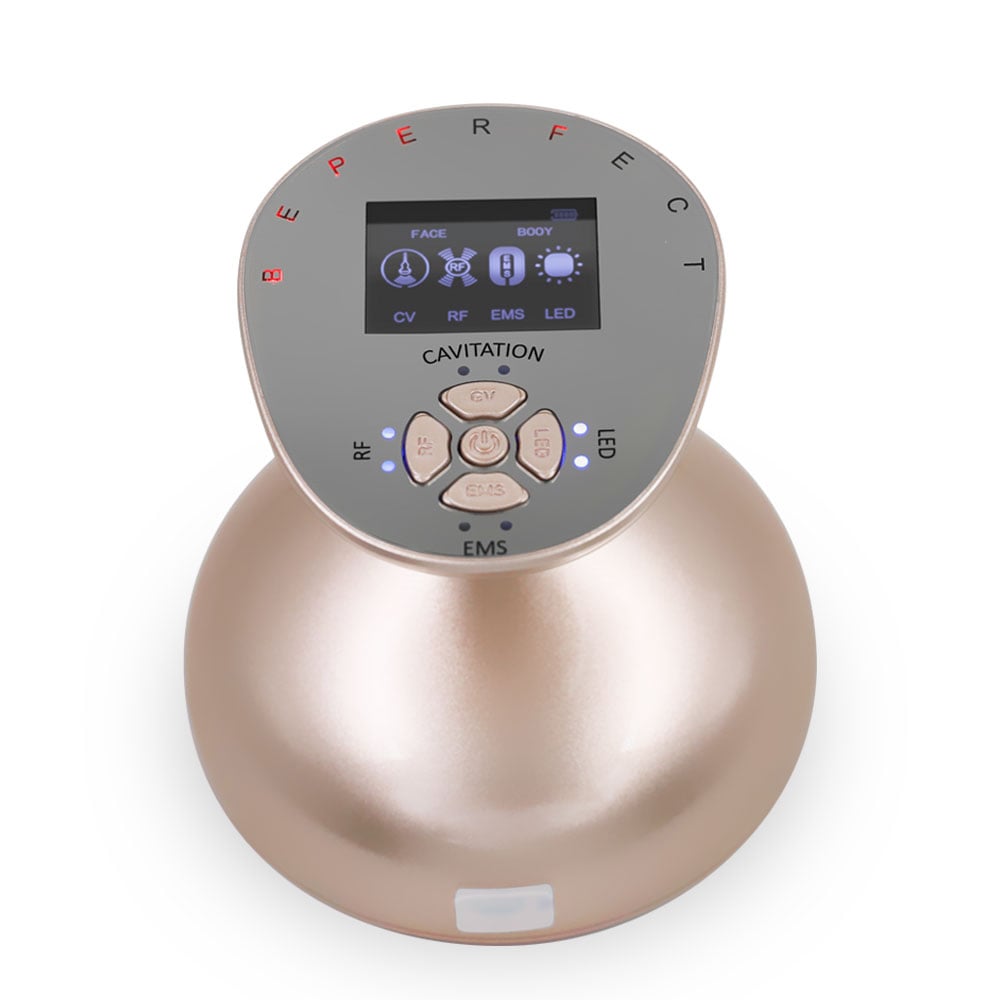
A beauty device can make a skincare routine feel more consistent, but a small problem can stop it in the middle of a session: it will not charge, the light does not turn on, it feels weaker than usual, or the skin feels uncomfortable. The quickest answer is rarely “press harder” or “try a longer session.” Start with the simple checks that are safe across many devices, then use your model’s manual for the details that vary by technology.
This guide is written from a practical troubleshooting perspective for home-use facial tools such as LED, microcurrent, cleansing, massage, and noninvasive warming devices. It is not a substitute for the manufacturer’s instructions or medical advice. If a beauty device is damaged, overheats, sparks, smells burnt, or causes a strong reaction, stop using it rather than trying to repair it yourself.
Before diagnosing a specific symptom, pause the treatment and check four basics. First, make sure the device is dry and disconnected from power. Second, inspect the charging port, cable, head, and housing for moisture, residue, cracks, loose parts, or discoloration. Third, confirm that you are following the charging time, attachment, gel, and mode instructions for that exact model. Finally, restart only after the device has cooled and all removable surfaces are clean and dry.
Power issues are common and often have ordinary causes. Try a known-working wall adapter or USB port that matches the manual, inspect the supplied cable for bends or damage, and gently clear visible dry debris from the port with a soft, dry brush. Let a device that was used or stored in a hot place return to room temperature before charging. Some models need a long press rather than a quick tap to power on, and some lock the controls during charging.
If the indicator light stays off after the specified charge period, the port feels loose, the housing becomes unusually hot, or the cable connection cuts in and out, stop charging. Do not open the housing or use a damaged cable. Contact the seller or manufacturer with the model number, purchase information, and a short video of the issue if requested.
Start by checking the selected mode and battery level. A low battery can reduce output or prevent higher-intensity modes from starting. Next, clean the treatment head according to the manual. Dried skincare residue can interfere with contact, especially on a beauty device that relies on a conductive surface or a removable attachment.
For microcurrent-style tools, use the compatible conductive medium recommended for the device and keep the treatment heads moving as instructed. For LED tools, make sure protective covers, straps, and charging connections are fully seated. For warming tools, a cooler-than-expected sensation may be a selected low setting rather than a fault. Avoid increasing output by modifying the device, using an unapproved power supply, or extending a session beyond the manual.
A device that drags is usually a routine issue, not a reason to press harder. Begin with clean, dry device surfaces. Then check whether your model is intended for dry skin, damp skin, a water-based serum, or a conductive gel. These requirements are not interchangeable. A cleansing brush may work with a compatible cleanser and water, while a microcurrent tool often needs a continuous layer of suitable conductive medium.
Use light pressure and slower, deliberate passes. If the product dries before you finish, pause and reapply rather than repeatedly pulling over the same area. Avoid compromised skin, active irritation, open areas, or freshly treated skin unless a qualified professional and the device instructions say otherwise.
Mild, short-lived warmth or redness can occur with some noninvasive tools, but it should not be treated as proof that a device is working. Stop immediately if you feel sharp pain, burning, persistent numbness, blistering, marked swelling, or a reaction that worsens after the session. Wash off any topical product that may be contributing, and seek medical advice for concerning or persistent symptoms.
When you restart only after symptoms have fully resolved, use the lowest setting, the shortest manual-approved session, and fewer weekly treatments than before. Patch-test compatible skincare products separately when possible. Check the manual’s contraindications, particularly if you have a medical condition, implanted electronic device, are pregnant, take photosensitizing medicines, or have recently had a procedure.
Cleaning habits determine how reliably a beauty device performs. After it is switched off and unplugged, remove only the parts the manual says are removable. Wipe the exterior with a soft cloth; use the approved cleaning method for treatment heads and attachments; and let every part dry completely before storage or charging. Keep charging contacts free of product residue.
Do not use abrasive pads, strong solvents, or soaking methods unless the instructions explicitly permit them. Replace consumables, brush heads, filters, or attachments at the intervals specified by the manufacturer. A persistent burnt smell, leaking battery, swollen casing, or corrosion is not a cleaning problem—it is a stop-use problem.
At-home beauty tools are not all the same. LED, microcurrent, cleansing, massage, RF, and needling systems have different operating limits. In particular, RF microneedling is a medical procedure rather than a home treatment; do not use a needling device at home simply because it is marketed alongside other beauty technology. If you are unsure which technology you own, locate the exact model name and read the official manual before restarting.
Contact the manufacturer for device faults and a qualified clinician for skin reactions or health-related questions. Keep photos of visible damage and note the mode, products used, session length, and symptoms. That record makes support much more useful than repeated trial and error.
The most useful troubleshooting habit is simple: treat a beauty device like a small electronic skincare tool, not a disposable accessory. A careful power check, correct product pairing, and gentle cleaning solve many everyday issues quickly. When the issue involves damage or an adverse reaction, stopping early is the safer and smarter fix.
2026/10/30
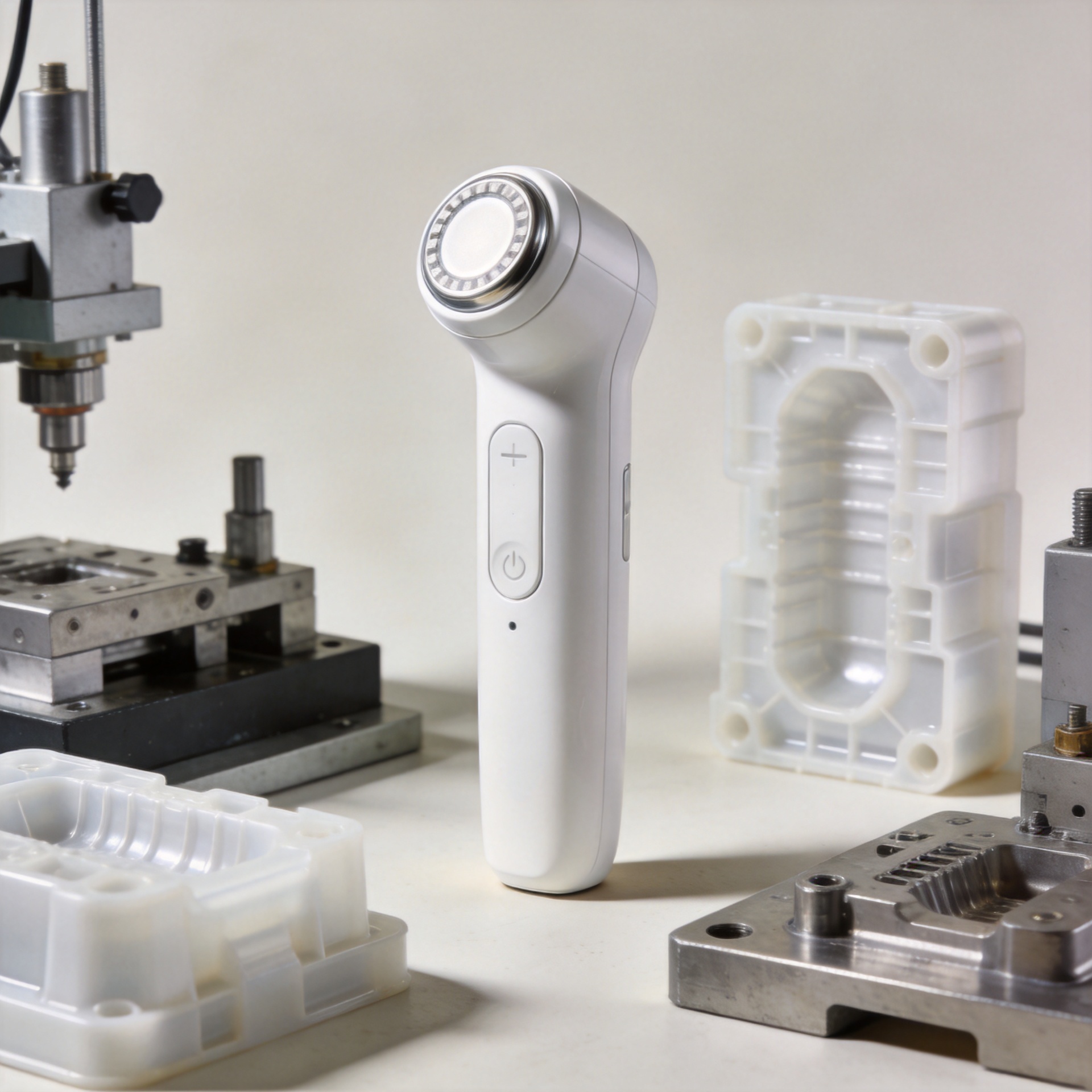
Discover why in-house mold development helps an RF beauty device manufacturer improve product consistency, iteration speed, tooling control, and production readiness.
2026/10/30
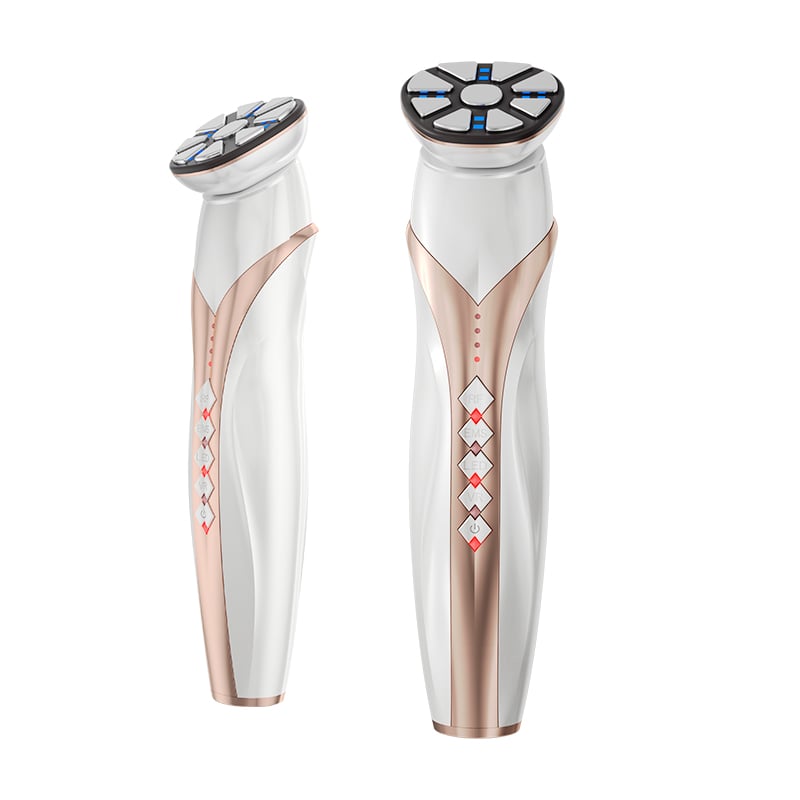
Learn how to verify an RF beauty device manufacturer's R&D and prototyping capabilities using practical engineering workflows and audit checklists.
2026/10/30
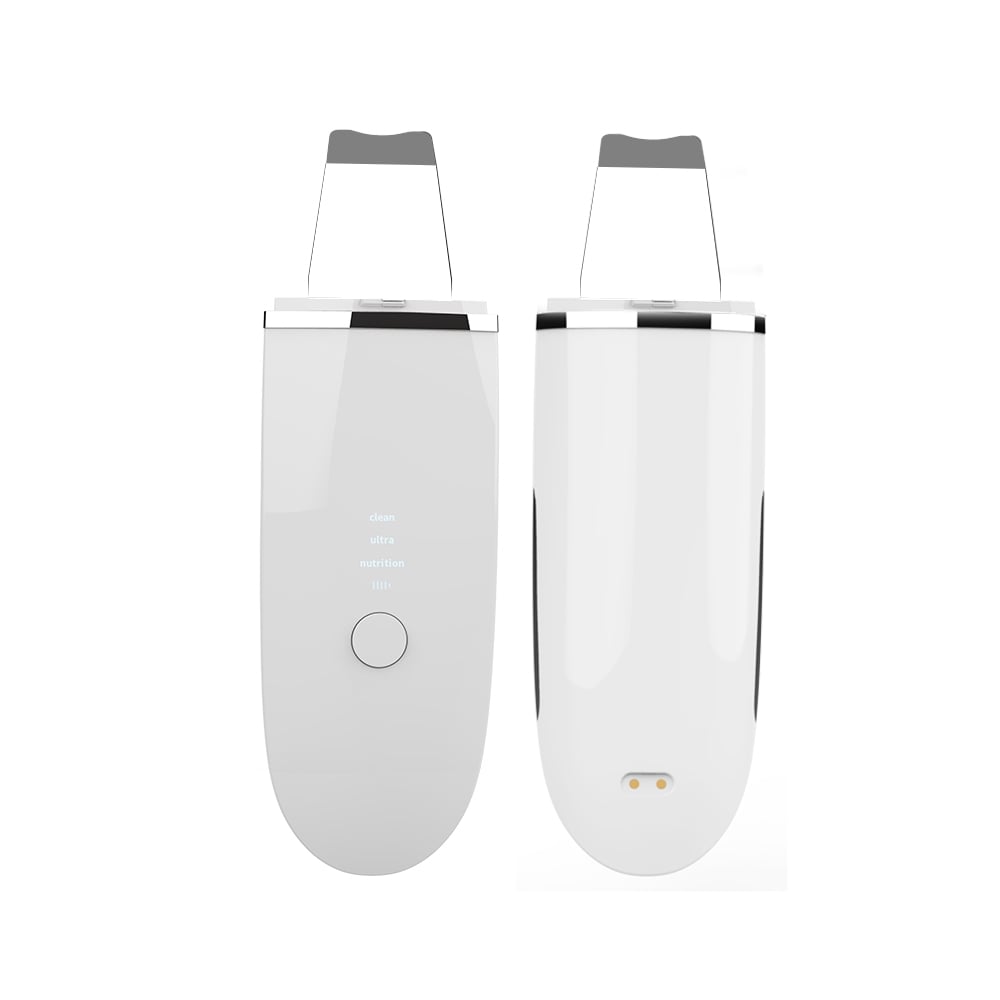
Learn what shapes MOQ when choosing an RF beauty device manufacturer and how to plan a lower-risk first order with balanced platform and customization.
2026/10/30
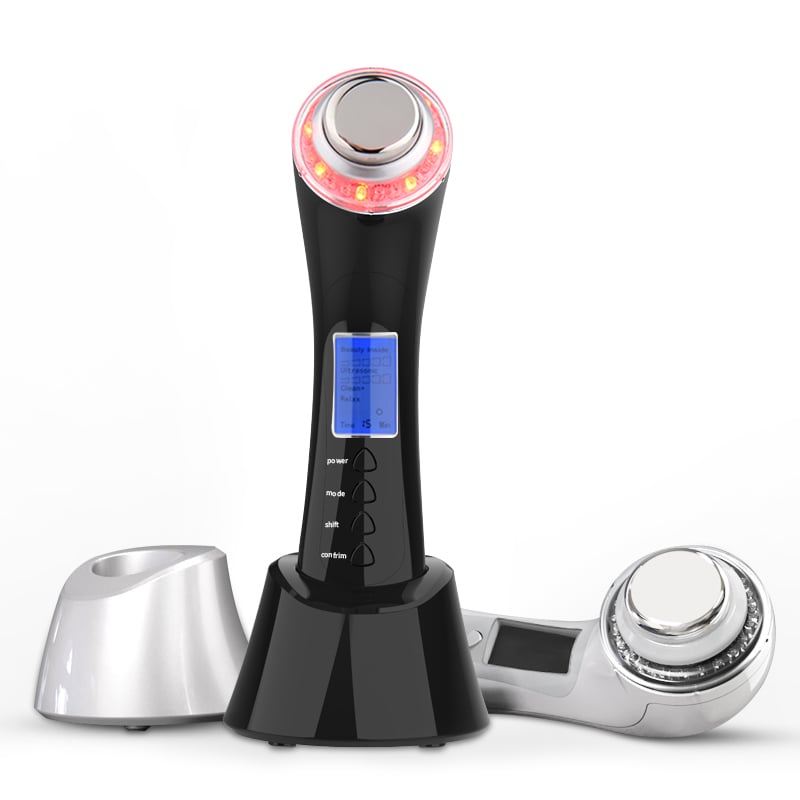
Use this RF beauty device manufacturer evaluation checklist to compare safety evidence, OEM and ODM capability, quality control, and launch readiness.
2026/10/30
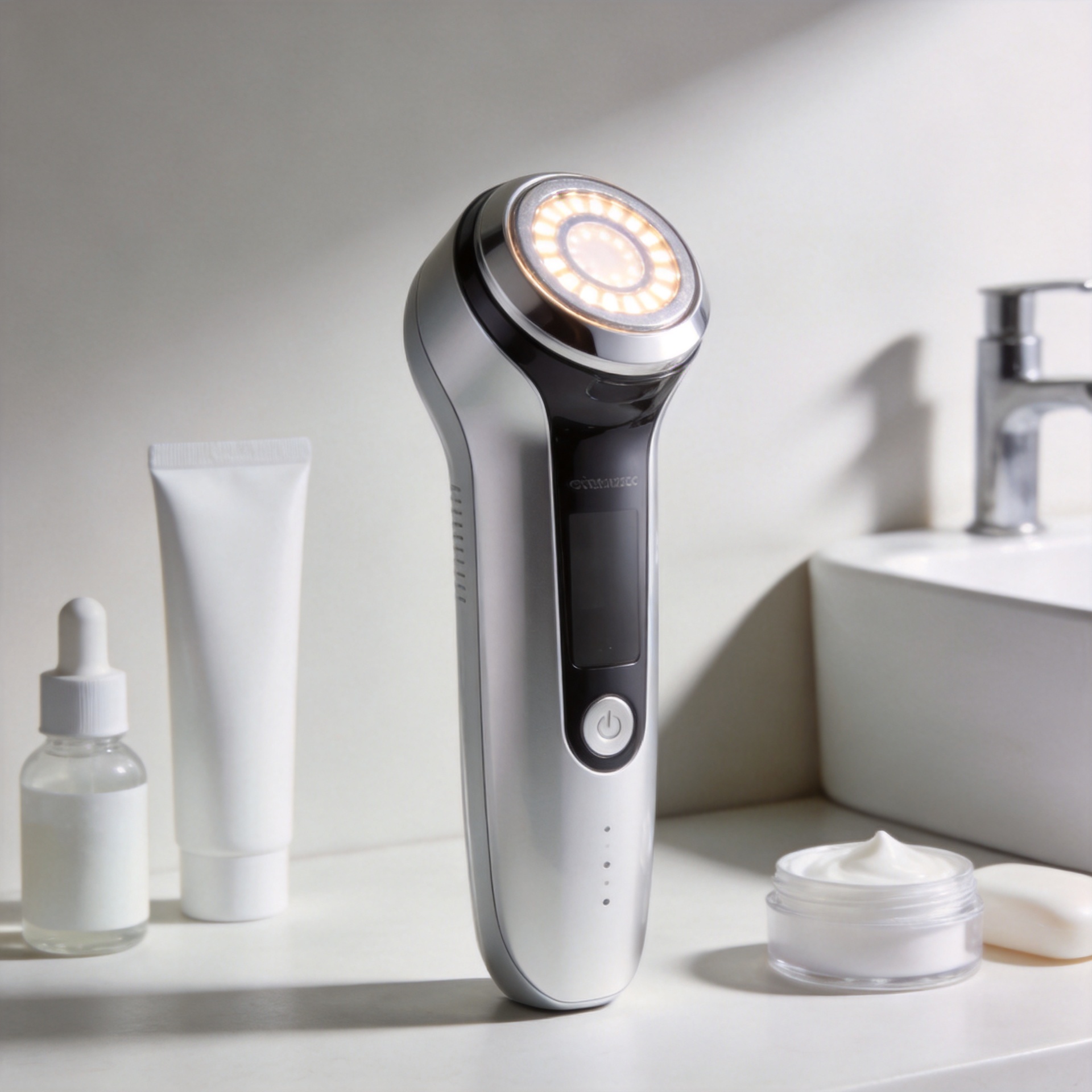
See how technology makes beauty at home more guided, consistent, and informed—plus a practical checklist for choosing devices wisely.
2026/10/30
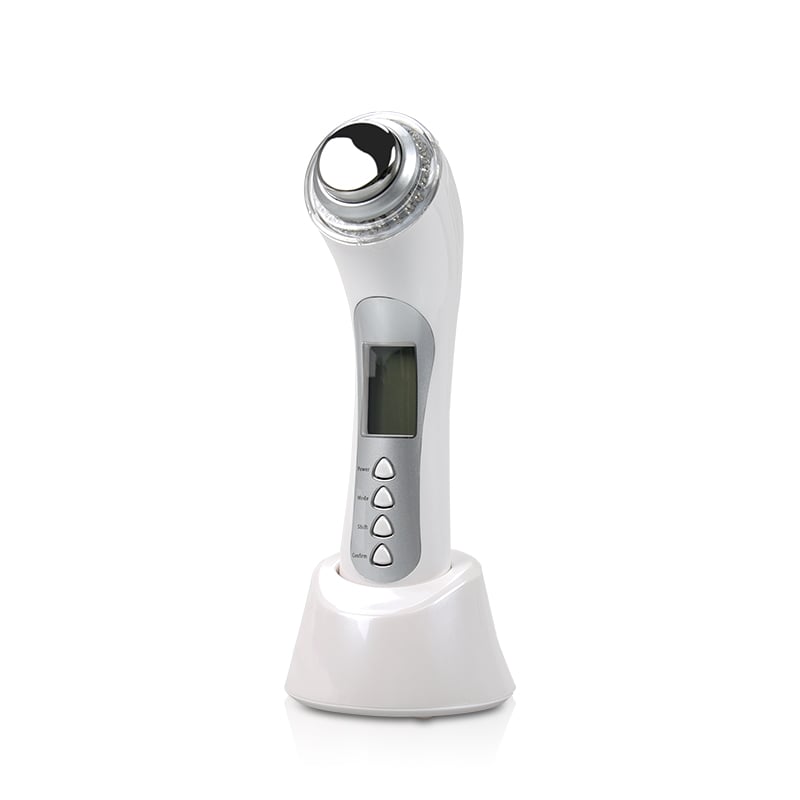
Explore how AI and smart devices shape the future of beauty with responsive routines, clear guidance, trustworthy design, and user-controlled care.

Ideal for daily facial care routines, providing easy-to-use beauty solutions at home.

Perfect for spas and salons’ frequent treatments, enhancing client experiences and results.

Supports dermatologists with advanced devices for professional skin therapy sessions.

Delivers innovative solutions for full-body massage and relaxation with home devices.

Features anti-aging technologies to help reduce wrinkles and stimulate skin vitality.

Specialized devices for safe and effective hair removal suitable for home or clinic use.

Our customers love the Perfect Idea beauty devices. Quality, packaging, and results are all outstanding. We saw increased repeat sales after adding their facial cleansers to our lineup. Their support team is responsive and reliable.

Perfect Idea brings innovation and reliability to home beauty appliances. Our collaboration introduced their massage tools to Japanese women, boosting customer satisfaction and growing our brand trust across the region.

We partnered with Shenzhen Perfect Idea Tech for their beauty equipment. The shipping was fast and every product matched our expectations. Their home-use massagers are especially popular with local salons and home users.

The stylish packaging and attractive design make Perfect Idea stand out. French consumers appreciate the easy instructions and visible results. Communication was efficient and orders always arrived on time.

Perfect Idea home use personal care devices have become a favorite with our clients. The beauty device line offers quality at a reasonable price, and technical training for our staff made onboarding easy.

We selected Perfect Idea for our beauty product portfolio and have seen very positive feedback from our customers. Products are easy to market online and the customer support is reliable and helpful.
